
Learn how to generate valid JSON-LD schema.org markup for SaaS Pricing, FAQs (FAQPage), and Knowledge Base pages with data validation and QA.
 by Rizwan
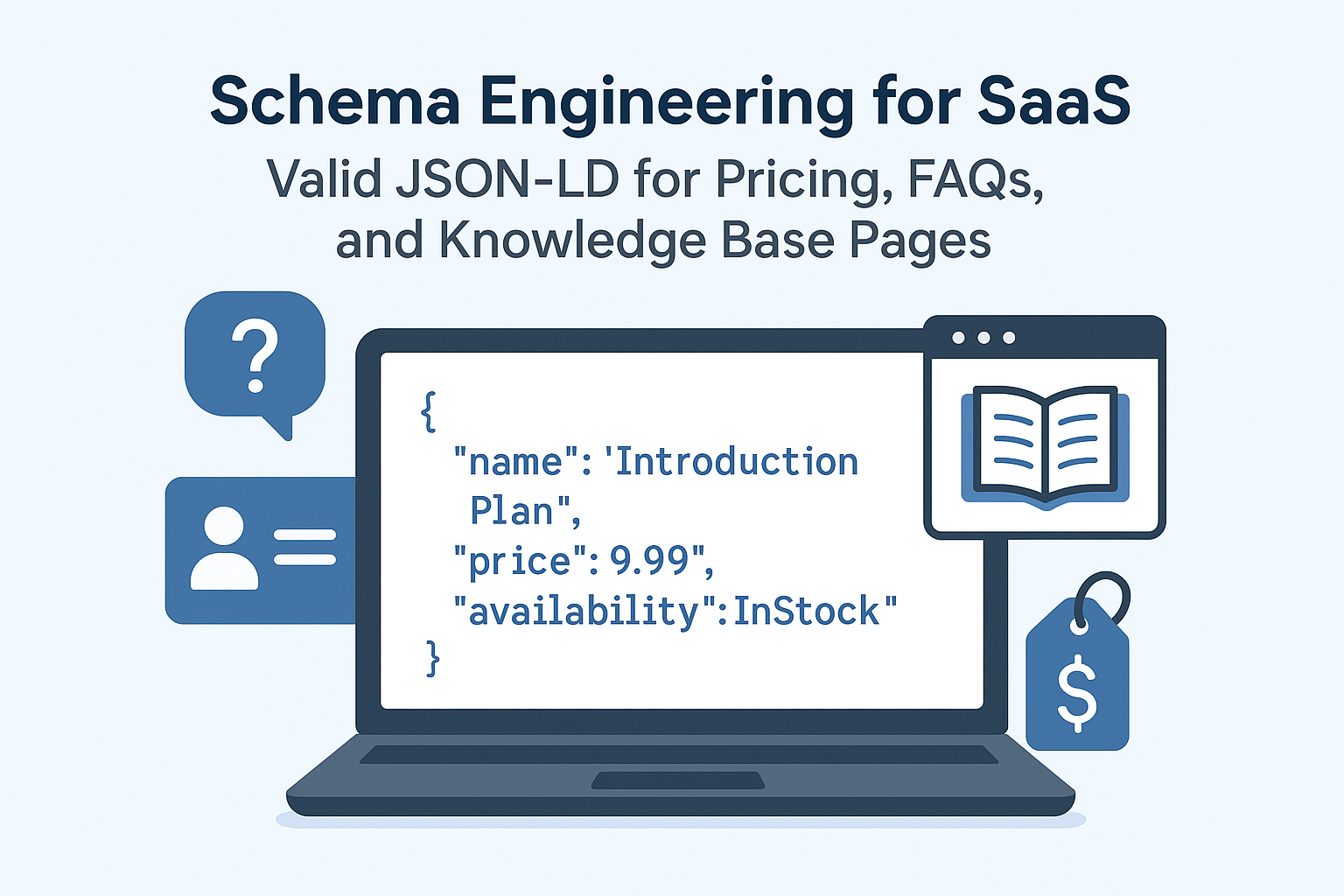
SaaS sites often ship fast, but schema.org markup breaks quietly when templates change, pricing plans are dynamic, or pages are localized. JSON-LD is the most reliable approach for schema engineering because it stays explicit and testable across WordPress and Laravel stacks.
When your structured data QA is weak, you lose Google Rich Results eligibility and waste crawl budget on pages that look correct to humans but fail data validation. The goal is simple: generate dynamic schema generation that stays valid markup testing compliant.
Pro Tip: Treat schema like code: version it, test it, and run valid markup testing in CI before every release.
Start by aligning each SaaS page type with the correct schema.org entity. Pricing pages typically describe a Product or a SoftwareApplication plus offers, while FAQ sections should use FAQPage to qualify for FAQ enhancements.
Knowledge base pages usually benefit from WebPage and Article patterns, plus consistent BreadcrumbList so crawlers understand site structure. For brand signals, include an Organization block that matches your canonical domain and GTM integration settings.
Pricing pages are dynamic schema generation hotspots because plan names, currencies, and feature lists change frequently. Use JSON-LD to represent each plan as an Offer-like structure and keep fields stable across locales.
For SaaS, represent the overall offering as a SoftwareApplication or Product, then attach plan-level pricing details. Keep the currency consistent per page and avoid mixing symbols and ISO codes.
| Pricing element | Recommended schema.org mapping | Common failure |
|---|---|---|
| Plan name | Offer.name or Product.name | Empty strings in some locales |
| Price | Offer.price | Non-numeric values like “$19/mo” |
| Billing period | Offer.priceSpecification / unitText | Missing unitText for recurring plans |
| Currency | Offer.priceCurrency | Currency mismatch across page variants |
Determinism is the difference between “works on my machine” and valid markup testing. Ensure your JSON-LD generator always outputs the same keys for the same plan type, even when a plan is temporarily unavailable.
When a plan is disabled, emit a consistent Offer object with a clear status field rather than removing the node. This prevents schema.org parsers from seeing partial graphs that fail data validation.
Warning: Do not conditionally omit required JSON-LD fields based on client-side rendering timing; output them server-side for reliable data validation.
FAQ sections should map directly to FAQPage with an array of questions and answers. In SaaS, FAQs often live in WordPress blocks or Laravel-driven components, so your generator must normalize content into a consistent JSON structure.
Keep answers as plain text or sanitized HTML fragments that match what users see. If your FAQ content is assembled from multiple sources, run structured data QA to ensure each question has exactly one answer.
| FAQ requirement | Implementation rule | Validation signal |
|---|---|---|
| Question text | Use the visible question string | No truncation or placeholder tokens |
| Answer body | Use the visible answer content | Non-empty string after sanitization |
| One FAQPage per page | Aggregate all Q/A pairs into one node | Parser sees a single FAQPage graph |
| Stable IDs | Use deterministic ordering | Consistent output across requests |
Schema engineering should not couple to tracking scripts. Keep GTM integration separate from JSON-LD generation so analytics changes never alter structured data QA.
If you use tag-based personalization, ensure the FAQ JSON-LD remains identical for the same canonical URL. Personalization can change visible content, but schema should reflect the canonical page state to avoid data validation mismatches.
Knowledge base pages should communicate topical relevance and hierarchy. Use BreadcrumbList to reflect category → article structure, and pair it with Article or a WebPage wrapper depending on your content model.
For SaaS, knowledge base content often includes versioned docs and product-specific guides. Keep the schema aligned with the visible title, author, and last updated fields to pass data validation.
Pro Tip: Generate BreadcrumbList from your internal taxonomy so multilingual schema stays consistent across categories.
Multilingual schema engineering requires coordination between hreflang and JSON-LD. If you output multilingual schema but your hreflang + schema mapping is inconsistent, search engines can treat pages as duplicates or misaligned variants.
For teams working in WordPress and Laravel, align your translation workflow with canonical rules and hreflang headers. If you need a deeper playbook, use hreflang, canonicals, and translation workflows that protect indexing as your reference for multilingual schema governance.
Schema engineering fails when JSON-LD is injected only after client-side rendering. Your structured data QA depends on whether crawlers receive the final markup at request time.
If your Laravel app uses SSR, prerendering, or edge rendering, validate that JSON-LD is present in the initial HTML response. For rendering tradeoffs, review SSR vs prerender vs edge rendering for crawlers to select the approach that preserves valid markup testing outcomes.
| Rendering approach | JSON-LD reliability | Best for |
|---|---|---|
| SSR | High | Pricing + FAQ pages with frequent updates |
| Prerender | Medium | Static knowledge base articles |
| Edge rendering | High | Global SaaS with low latency requirements |
Build schema generation as pure functions that accept normalized inputs and return JSON objects. This makes data validation predictable and prevents accidental field drift between environments.
In WordPress, generate JSON-LD from block attributes and post meta. In Laravel, generate from validated DTOs so plan data and FAQ content never reach JSON-LD with inconsistent types.
Structured data QA should include both syntactic and semantic checks. First validate JSON syntax, then validate required fields, then validate that values match the visible page content.
Use diff-based regression to detect changes in JSON-LD output when templates, translations, or pricing logic changes. This is the fastest way to prevent silent failures in Google Rich Results eligibility.
Pro Tip: Store a “golden” JSON-LD snapshot per template and compare new output hashes in CI.
Schema issues often correlate with crawl waste: pages that should be canonical are repeatedly fetched, or redirects loop due to mapping errors. Use server logs to identify which URLs are being requested and which responses contain schema.
For a practical debugging workflow, follow technical SEO debugging with real data using server logs to eliminate crawl waste in SaaS.
When you change pricing URLs, restructure knowledge base categories, or refactor WordPress slugs, schema engineering must include redirect mapping. If a canonical URL changes without correct redirects, crawlers may see old JSON-LD or inconsistent BreadcrumbList.
Automate redirect rules and monitor outcomes so schema stability survives migrations. For implementation patterns, use automating redirects with mapping rules and monitoring for WordPress and Laravel.
| Migration event | Schema risk | Mitigation |
|---|---|---|
| Pricing slug change | Old JSON-LD cached | 301 + canonical alignment |
| KB category restructure | BreadcrumbList mismatch | Taxonomy-driven breadcrumbs |
| FAQ block moved | FAQPage missing | Template-level schema tests |
Use a single JSON-LD block per canonical pricing page and keep plan nodes consistent. Ensure your generator outputs numeric price values and ISO currency codes.
Below is a structural example you can adapt in your dynamic schema generation layer. Replace placeholders with your normalized plan data.
Pro Tip: Keep the same JSON-LD shape across locales; only translate human-readable strings.
Generate FAQPage JSON-LD from your FAQ content model and preserve the visible question text. Ensure each question maps to one answer and that the output order is deterministic.
This approach improves structured data QA and reduces the chance of data validation failures during releases.
For knowledge base pages, include BreadcrumbList and align Article fields with the visible page. If you support multilingual schema, ensure each language variant has matching BreadcrumbList labels and correct hreflang + schema alignment.
That alignment protects indexing and prevents duplicate interpretation across translated URLs.
Schema engineering is not a one-time task. It is an ongoing system that must survive product iteration, pricing changes, and content ops.
To operationalize it, define ownership and enforce QA gates before deployment. If you want a workflow that connects content ops to technical QA, use an AI-assisted content ops workflow with human-in-the-loop to keep knowledge base updates consistent with structured data QA.
Once your JSON-LD is stable, you can scale SEO programs with confidence. Technical SEO signals become more actionable when structured data QA is consistent across the site.
For teams building growth systems, pair schema stability with scalable outreach using technical SEO signals via programmatic outreach using technical SEO signals.
Pro Tip: Treat schema improvements as compounding assets: stable markup increases trust and reduces rework across future SEO initiatives.
Valid JSON-LD for SaaS Pricing, FAQPage, and knowledge base pages requires deterministic schema generation, strict data validation, and continuous structured data QA. When JSON-LD is rendered reliably and aligned with canonical and hreflang rules, Google Rich Results becomes a predictable outcome.
Implement schema engineering as a release pipeline: generate from normalized inputs, validate in CI, monitor in production, and keep multilingual schema consistent with hreflang + schema. This is how SaaS teams protect indexing while scaling content and product velocity.
Ready to start your project? Let's work together to make it happen! Get in touch with us today and let's bring your ideas to life.
Get In Touch