Learn when Laravel routes should return HTML views vs JSON for API SEO, using content negotiation, status codes, and crawlable endpoints to avoid thin content.
 by Rizwan
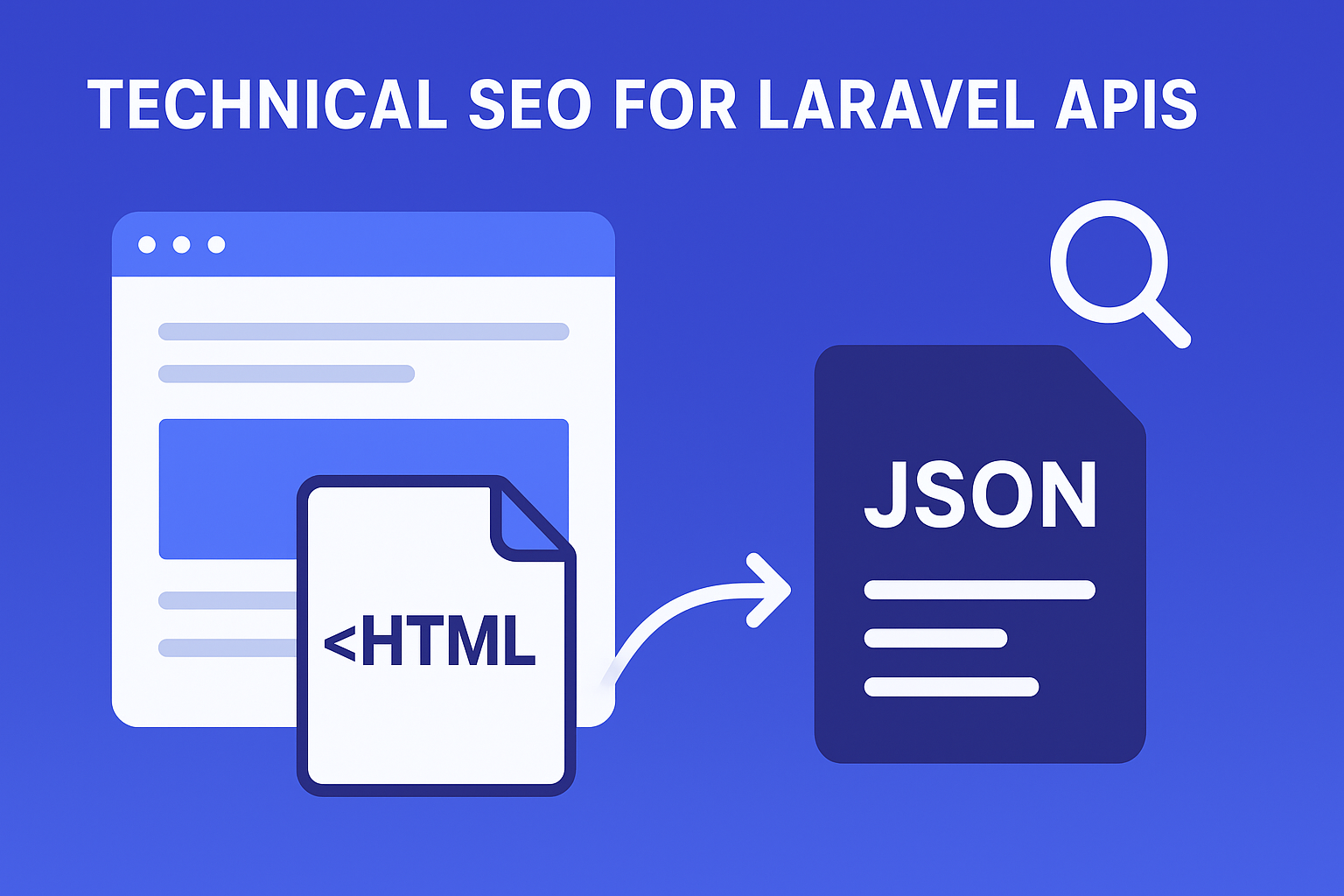
For Laravel API teams, the biggest technical SEO risk is not “not indexing.” It is serving endpoints that look complete to your application but incomplete to search engines: thin content pages that are technically crawlable yet semantically empty.
In practice, this happens when Laravel routes return JSON only, or when HTML views are generated after client-side rendering without a reliable hydration fallback. The result is a mismatch between what crawlers can render and what users experience.
Search engines can parse JSON, but they still rely on crawlable URLs, correct status codes, and meaningful document structure. If your “API pages” are only data blobs with no HTML context, you often lose indexability, sitelinks, and topical clarity.
To fix this, you need a deliberate content negotiation strategy using Accept headers, plus a sitemap strategy that only lists URLs you truly want indexed.
The core rule is simple: use HTML views when a URL represents a human-consumable resource that should rank; use JSON when a URL represents a machine-consumable resource that should not compete in search results.
In Laravel, this decision should be encoded at the routing layer, not bolted on later. Your controllers should know whether the request is asking for HTML or JSON, and respond accordingly.
Implement a consistent negotiation pattern across your Laravel routes:
This avoids one of the most common mistakes: returning JSON to crawlers that expect HTML, then relying on client-side rendering to “fix it later.”
Most teams start with two buckets (HTML vs JSON). That breaks down quickly in SaaS and API-first products. You need three buckets to keep your crawl budget focused and avoid thin content.
Use HTML views for pages that answer a search intent query. Typical examples include documentation pages, public product pages, and human-readable resource pages.
These pages should include structured content, internal links, and structured data where appropriate. They should also support pagination and URL normalization.
Use JSON-only responses for endpoints that are not meant to rank: internal operations, authenticated actions, and high-cardinality data feeds.
For these, ensure correct 404 handling and consistent status codes so crawlers do not waste time on broken or misleading responses.
Hybrid endpoints are the sweet spot for API SEO when you want a single canonical URL to support both humans and machines. The same resource can return HTML views to browsers and JSON to API clients.
When you do this, your HTML response becomes the canonical “document,” and your JSON becomes an alternate representation.
A thin crawlable page is often “technically reachable” but semantically empty once rendered. In Laravel apps, this usually occurs when HTML is minimal and the meaningful content is injected later by JavaScript.
To prevent this, ensure that indexable URLs return enough server-rendered HTML for crawlers to understand the topic. If you use client-side rendering, add a hydration fallback so the initial HTML contains the core headings, key attributes, and navigational structure.
Do not rely on JSON alone to “teach” the page what it is. If the HTML is thin, your indexability and relevance signals degrade.
Search engines treat HTTP semantics as part of content quality. If your API endpoints return 200 for missing resources, or if your HTML views return 200 with an empty body, you create crawlable noise.
For hybrid endpoints, align status codes across representations:
This is especially important for Laravel routes that accept identifiers and optional query parameters.
Duplicate content often appears when the same resource can be reached via multiple query strings or trailing slashes. Apply normalization at the routing layer and ensure your sitemap strategy matches the canonical form.
For example, if you support both /resource/123 and /resource/123/, pick one canonical URL and redirect the other.
Pagination is where API-first platforms frequently create thin content crawl traps. If every page returns a near-identical HTML shell with minimal unique content, you dilute relevance and waste crawl budget.
For catalog-style endpoints, you should treat pagination as a first-class SEO surface.
If you need a deeper playbook for facets and pagination, use Technical SEO for Pagination & Faceted Navigation in SaaS Catalogs: Pagination SEO, Noindex Facets, Canonical Rules.
A sitemap strategy is not just a technical file-it is a contract with crawlers. If you include JSON-only endpoints or hybrid URLs that sometimes return thin HTML, you invite low-quality crawling.
For hybrid endpoints, list the canonical HTML URL, not the JSON representation.
structured data helps search engines interpret page entities, but it cannot replace missing page content. If your HTML view is thin, schema markup becomes a weak signal.
If you operate a B2B SaaS with product and FAQ entities, reference Schema Strategy for B2B SaaS at Scale: Product, SoftwareApplication & FAQ Markup (JSON-LD).
Below is a practical approach that keeps your API SEO consistent and prevents accidental thin content.
In each relevant Laravel route/controller, decide representation based on Accept headers. Treat HTML as the canonical document for indexable resources.
Before rendering, normalize the URL shape. Redirect to the canonical form using 301/308. This reduces duplicate crawl paths and stabilizes your sitemap strategy.
When a resource does not exist, return 404 for both HTML and JSON. Do not return 200 with an empty HTML shell or an empty JSON object that looks valid.
Even if your UI is dynamic, the initial HTML should include the core content needed to understand the page. This is the difference between “API-first” and “search-engine-hostile.”
These issues show up repeatedly in Laravel API-first products and SaaS platforms:
Search engines may crawl them, but they often cannot interpret them as complete documents. Keep JSON endpoints out of sitemaps unless they are explicitly designed as HTML documents with meaningful content.
If the HTML view is just a shell, crawlers may index it as thin content. Add a hydration fallback so the initial HTML contains the key text and structure.
Returning 200 for missing resources in one representation and 404 in another creates confusing signals and wastes crawl budget.
If page 2 and page 3 differ only by a query parameter and a few items, you risk index dilution. Apply pagination SEO rules and canonical/noindex decisions deliberately.
If you are building an internal SEO workflow for Laravel-based products, consider pairing these routing and rendering decisions with tooling like Build a Laravel SEO Tool: Keyword Gap + SERP Intent Classifier (Lightweight Data, Fast) to prioritize which indexable endpoints deserve the most engineering effort.
Ready to start your project? Let's work together to make it happen! Get in touch with us today and let's bring your ideas to life.
Get In Touch