
Learn how to automate schema.org JSON-LD for SaaS FAQPage, Product schema, and HowTo schema with guidelines compliance, testing, and data validation.
 by Rizwan
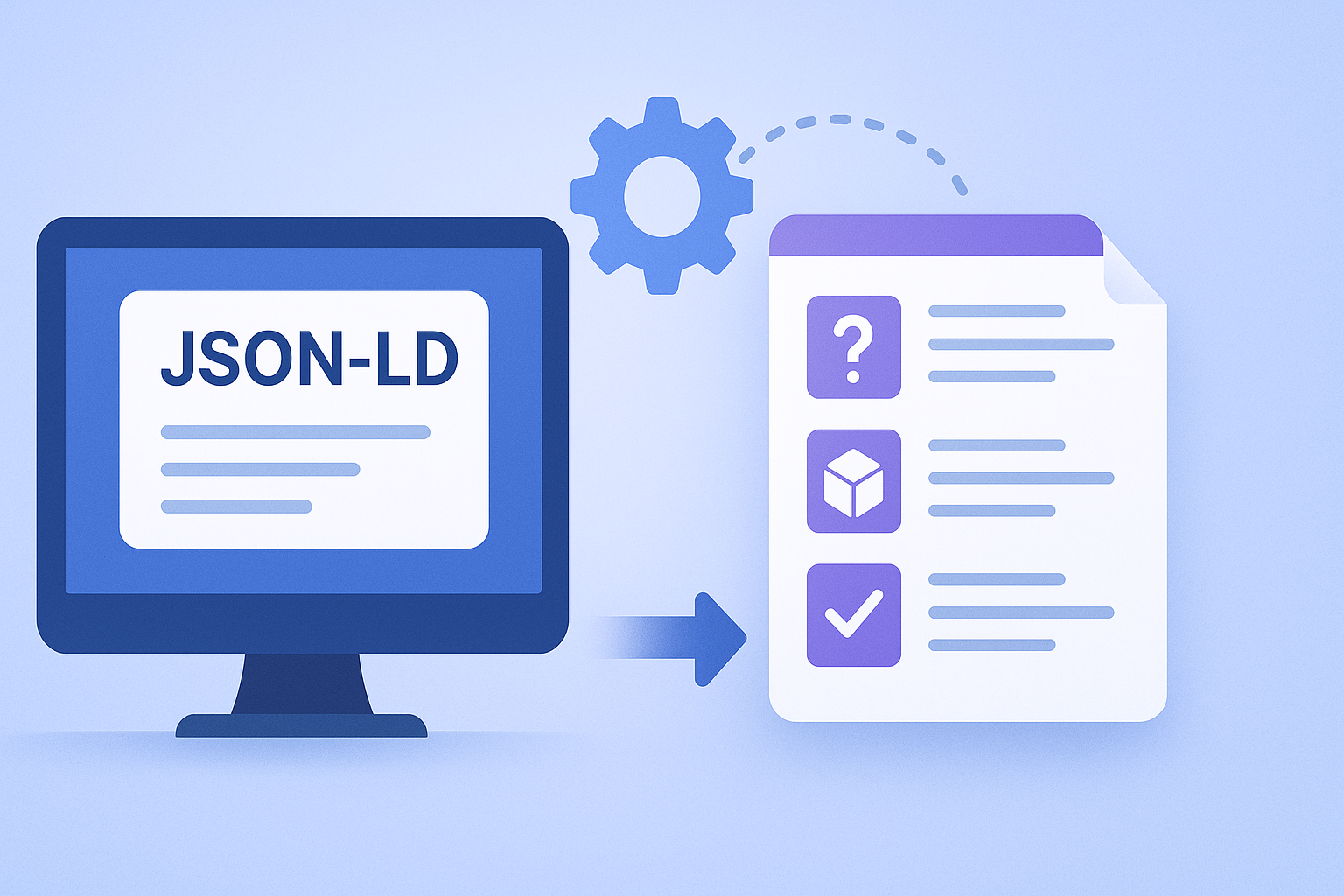
When SaaS teams automate schema.org markup, they usually optimize for speed, not for guidelines compliance. That’s how you end up with Rich Results that never appear, or worse, markup that violates structured data rules.
The goal is simple: generate correct JSON-LD for FAQPage, Product schema, and HowTo schema, while keeping content aligned with what users actually see on the page. This article gives you an automation-ready approach that supports dynamic rendering, markup versioning, and structured data testing.
If you already have a schema strategy for B2B SaaS at scale, align your automation with it. A strong baseline is covered in Schema Strategy for B2B SaaS at Scale: Product, SoftwareApplication & FAQ Markup (JSON-LD).
For SaaS, the most reliable automation pipeline treats schema as a build artifact, not a runtime guess. That means you generate structured data from your source of truth, validate it, then deliver it in a way search engines can read.
Decide what system owns each field. Typical choices:
Automation fails when you store schema-ready fields in one place and render user-facing content from another without a strict mapping.
Search engines need the markup at crawl time. If your app relies on client-side rendering, you must ensure dynamic rendering outputs the same JSON-LD that users see. For SaaS landing pages and docs, server-side generation is the cleanest option.
In Laravel and WordPress setups, this often means injecting JSON-LD into the HTML response (not only into the browser after hydration). If you’re deciding between HTML views and JSON responses for SEO, see Technical SEO for Laravel APIs: When to Serve HTML Views vs JSON (and Prevent Thin Crawlable Pages).
Use a validation workflow that checks both syntax and semantic rules. At minimum, validate:
Then run structured data testing to confirm Rich Results eligibility. Treat this as a release gate, not a one-off audit.
FAQPage markup is one of the easiest schema types to automate, but it’s also easy to violate guidelines by outputting questions that aren’t actually present on the page.
For multilingual SaaS sites, generate separate JSON-LD blocks per language page. Don’t mix languages inside one FAQPage instance.
The safest pattern is to render the FAQ UI and the FAQPage JSON-LD from the same canonical data structure. That prevents drift when marketing edits the visible FAQ but your schema generator still uses cached older fields.
Markup versioning is the difference between “we fixed it” and “Search Console still shows the old issue.” Include a version token in your internal schema generator and log it per URL.
Product schema for SaaS is tricky because SaaS offerings often don’t behave like physical products. You still can use Product schema, but you must be precise about what you’re describing and how it maps to the page.
For SaaS, you typically mark up one of these:
If your site uses organization-level metadata, ensure you also output an organization schema block and keep it consistent across pages.
Build a mapping from your plan model to Product schema properties. Keep it aligned with what users see:
Don’t invent properties you can’t support on-page. If your pricing page doesn’t display a value for a property, omit it rather than guessing.
Structured data works best when it reflects site structure. Add breadcrumb schema so crawlers understand hierarchy, especially for pricing, docs, and category pages.
If you also have faceted navigation, ensure your indexing controls prevent schema duplication across filter/sort variants. For pagination and faceted navigation patterns in SaaS catalogs, see Technical SEO for Pagination & Faceted Navigation in SaaS Catalogs: Pagination SEO, Noindex Facets, Canonical Rules.
HowTo schema can win visibility for onboarding and support content, but it’s strict. The steps must be clear, ordered, and consistent with the instructions users read.
Don’t compress multiple UI steps into one schema step unless the on-page content truly matches.
For guidelines compliance, the JSON-LD must reflect the visible structure. If your UI collapses steps behind accordions, ensure the content is still accessible to crawlers at render time.
Before publishing, validate:
This is where automation earns its keep: you can prevent malformed HowTo output at scale.
Automated schema should be modular. You can add supporting blocks like organization schema, breadcrumb schema, and even event schema when you have real event pages.
This reduces the risk of accidental guideline violations when content types change.
If you run webinars, conferences, or product launches with dedicated event pages, event schema can help search engines interpret dates and details. The key is to ensure the event properties match the visible event page content and are not derived from internal calendars that aren’t shown publicly.
Use this checklist as a final step before you ship schema changes across your SaaS site.
Not reliably. If JSON-LD is only produced after hydration, crawlers may not see it consistently. For guidelines compliance, prefer server-side JSON-LD or dynamic rendering that outputs the same markup at crawl time.
Render the visible FAQ, Product details, and HowTo steps from the same data objects that generate the JSON-LD. Add markup versioning and cache invalidation so stale schema doesn’t linger.
Start with FAQPage if you have clear Q&A blocks on key pages. Next, add Product schema where you have plan-level content that’s clearly displayed. Add HowTo schema for onboarding and support articles with real step-by-step instructions.
If you’re also orchestrating schema alongside content production, pair this with an ops workflow that includes schema validation. A practical reference is SaaS SEO Content Ops Workflow: AI Drafts With Technical Accuracy, Fact Checking & Schema Validation.
Ready to start your project? Let's work together to make it happen! Get in touch with us today and let's bring your ideas to life.
Get In Touch