
Learn how to implement Product, SoftwareApplication, and FAQPage Schema.org markup at scale using JSON-LD, SSR, and validation to earn rich results.
 by Rizwan
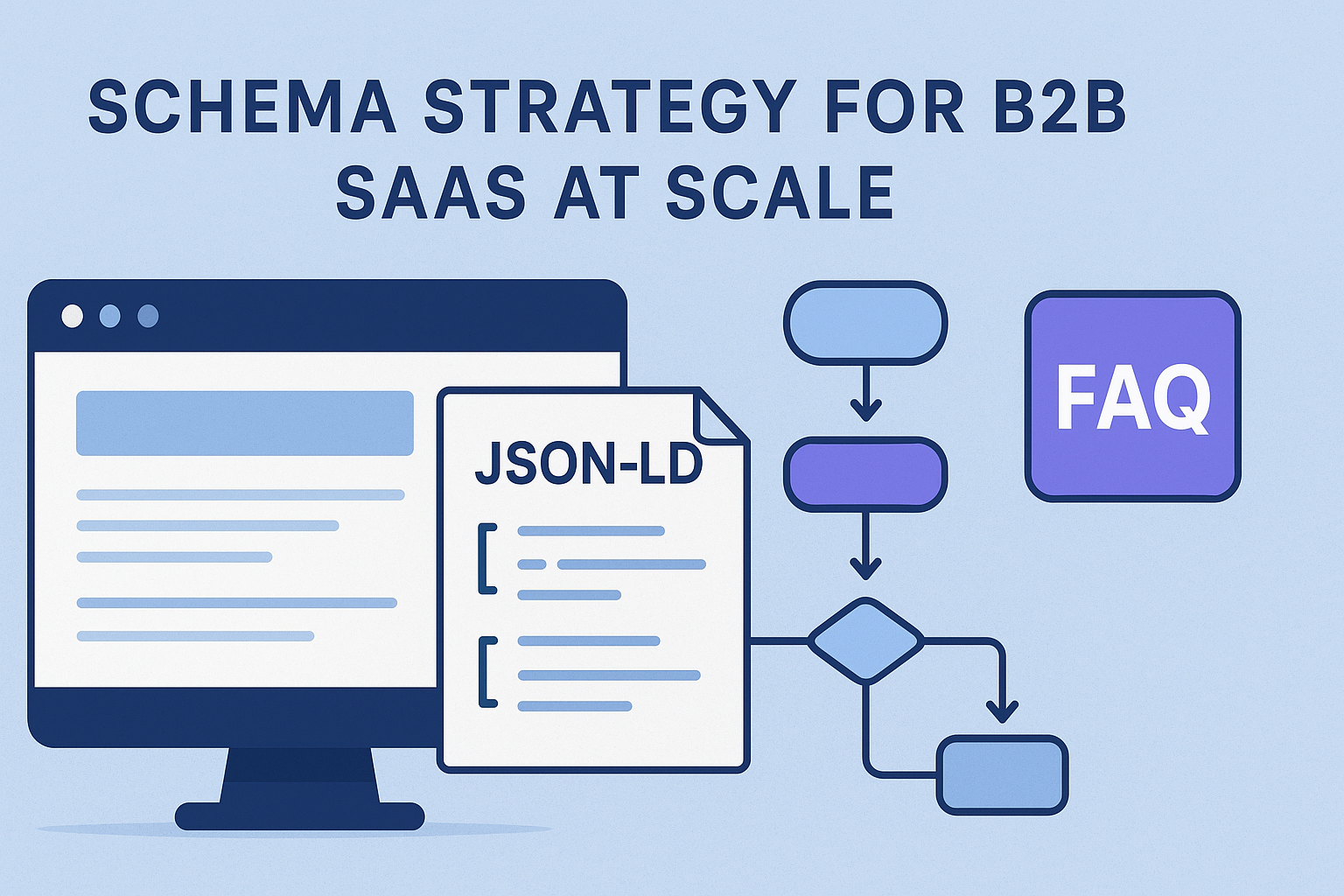
For B2B SaaS teams, schema strategy now affects more than eligibility for rich results. It also shapes how search engines interpret your product, your software, and your support content-directly influencing your presence in the knowledge graph and how your pages are understood in the Google guidelines.
At scale, the real work is not writing a few JSON-LD snippets. The real work is building a repeatable system for Product schema, SoftwareApplication, and FAQPage markup that survives releases, localization, and platform changes without generating validation errors or breaking technical SEO.
In practice, teams are seeing two shifts:
If you’re building with Laravel or WordPress, or you’re using SSR for SEO-first experiences, schema becomes part of your rendering and release pipeline-not a one-time SEO task.
Schema.org gives you building blocks. For B2B SaaS, you typically need three categories of markup:
Do not force everything into one object. Mixing unrelated properties increases the chance of invalid markup and reduces clarity for crawlers.
In real implementations, I map schema to templates, not to individual pages. That prevents schema drift when new pages launch.
When you do this, your schema system becomes testable and maintainable.
Most schema failures at scale come from one of these issues: inconsistent IDs, missing required properties, or markup that changes across environments. The fix is to treat schema generation like a build artifact.
A schema factory takes structured input (from your CMS, database, or page model) and outputs JSON-LD blocks with consistent structure.
This approach supports schema versioning so you can evolve markup without breaking older templates.
Implement a simple version field in your internal schema generator (not necessarily in the output). For example:
When you roll forward, you can keep templates stable while you iterate on validation and eligibility.
Schema markup must be present in the HTML that search engines can parse. If your site relies heavily on client-side rendering, you risk schema being delayed or missed.
For SEO-first SaaS, I treat schema as part of SSR output. If you’re using Laravel, align your rendering strategy with SSR vs CSR principles so structured data is available at crawl time.
If you already have an SSR-first setup, schema becomes a natural extension of your indexing strategy.
Product schema is useful when you can describe a product entity clearly. For B2B SaaS, that usually means a plan, edition, or specific deliverable that behaves like a product.
Use properties that match what users can verify on the page.
A common mistake is trying to represent every internal feature toggle as a product attribute. Keep Product schema focused on what the page actually represents.
SoftwareApplication is the right fit for the software itself: your platform, app, or AI automation product. This is where you describe the software’s identity and capabilities.
When you keep SoftwareApplication aligned with your product page content, you reduce the risk of mismatch that can trigger structured data testing failures.
FAQPage is powerful for intent-driven queries, but it’s also where teams most often violate Google guidelines by marking up content that isn’t truly present as Q&A.
If you’re using a help center or documentation system, generate FAQ markup from the same content source that renders the visible Q&A.
multilingual schema is where schema projects often break silently. Teams localize visible content but forget to localize structured data, or they localize it inconsistently across templates.
This reduces validation errors and improves the chance that crawlers associate the right content with the right language.
Schema is not “set and forget.” It’s a dependency on templates, rendering, CMS fields, and release discipline. Your monitoring should catch issues before they affect eligibility.
When validation fails, your pipeline should block deployment and show the exact template and property that caused the issue.
After deployment, review the GSC rich results report. When you see drops or new errors, trace them back to template changes or content model changes.
If you’re also optimizing crawl efficiency, structured data QA pairs well with crawl debugging. For example, you can reduce crawl waste using server-log driven debugging and ensure your schema-bearing pages are actually being crawled as expected.
Consider pairing your schema pipeline with technical SEO debugging with server logs so you don’t chase rich results eligibility while crawlers are stuck on avoidable waste.
These are the issues I see most often when teams scale schema across SaaS templates:
Example: injecting FAQPage markup into a pricing page that doesn’t contain the same Q&A visible to users. This creates mismatch and eligibility problems.
Example: using a string where an object is expected, or leaving out a property that your chosen schema pattern requires.
Example: generating IDs or URLs differently between SSR and client rendering. This can lead to inconsistent parsing.
Example: localizing the visible FAQ but not the JSON-LD fields, or vice versa.
Below is a practical approach you can adapt whether you’re generating schema in Laravel views, WordPress templates, or a headless layer.
If your SaaS site uses SSR for indexability, align schema generation with your rendering strategy. For deeper SSR considerations in Laravel, review SSR vs CSR for SEO-first Laravel SaaS.
| Schema type | Best for | Where it usually lives | Primary risk |
|---|---|---|---|
| Product schema | Plans/editions that behave like products | Pricing and plan pages | Over-modeling internal features |
| SoftwareApplication | Your SaaS software identity | Product overview and feature hubs | Mismatched descriptions vs on-page content |
| FAQPage | Visible Q&A sections that match user intent | Help center and documentation articles | Marking up content not visible to users |
Verdict: use Product and SoftwareApplication for identity and offers, and use FAQPage only when you can prove the Q&A is present. This keeps your structured data clean and reduces validation errors.
If you’re also dealing with pagination, faceted navigation, or internal search results pages, remember that schema quality can’t compensate for indexability problems. For SaaS catalog patterns, align schema rollout with your pagination and canonical rules using technical SEO for pagination & faceted navigation in SaaS catalogs.
Ready to start your project? Let's work together to make it happen! Get in touch with us today and let's bring your ideas to life.
Get In Touch